> XML Viewer & XML Editor () opens .xml files on iPhone and iPad with syntax highlighting, table view and breadcrumbs, and converts XML such as IRS e-File and XBRL tax documents to PDF.
Canonical: https://umango.in/xml-app

# XML Viewer & XML Editor
Open, read and convert .xml files on iPhone and iPad.
[Download on the App Store](https://apps.apple.com/us/app/xml-viewer-xml-editor/id6737447574)
Looking for an easy way to open an XML file on your iPhone? **XML Viewer & XML Editor** (also marketed as ****) shows .xml files in a clean, structured view and converts them to PDF — from IRS tax forms and XBRL financial reports to RSS feeds, sitemaps and configuration files.
## Features
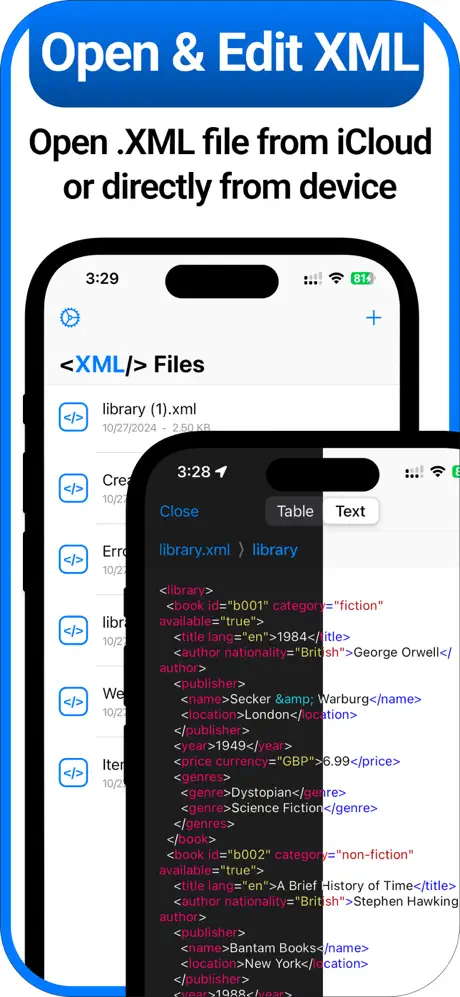
- **Open .xml files on iOS** — Open XML files stored on your device or in iCloud straight from the Files app.
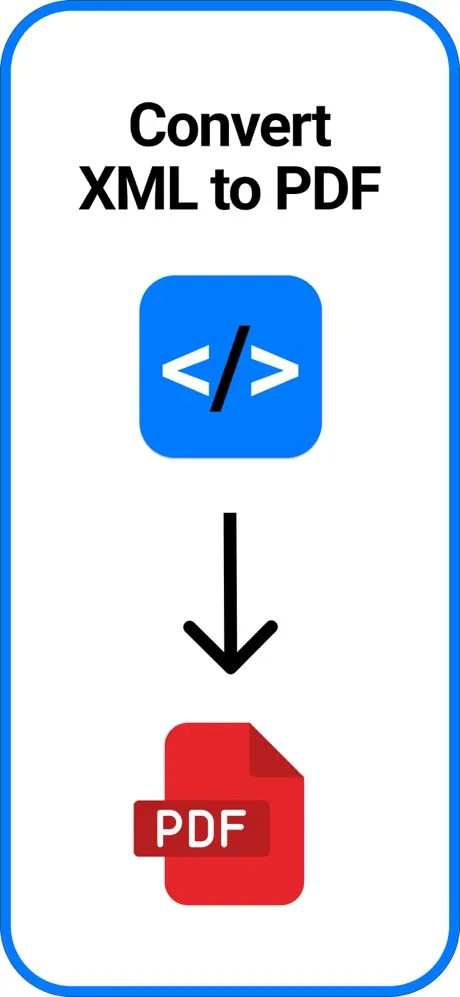
- **XML to PDF conversion** — Convert e-tax forms, invoices and reports into a readable PDF. Ideal for IRS e-File submissions and financial filings.
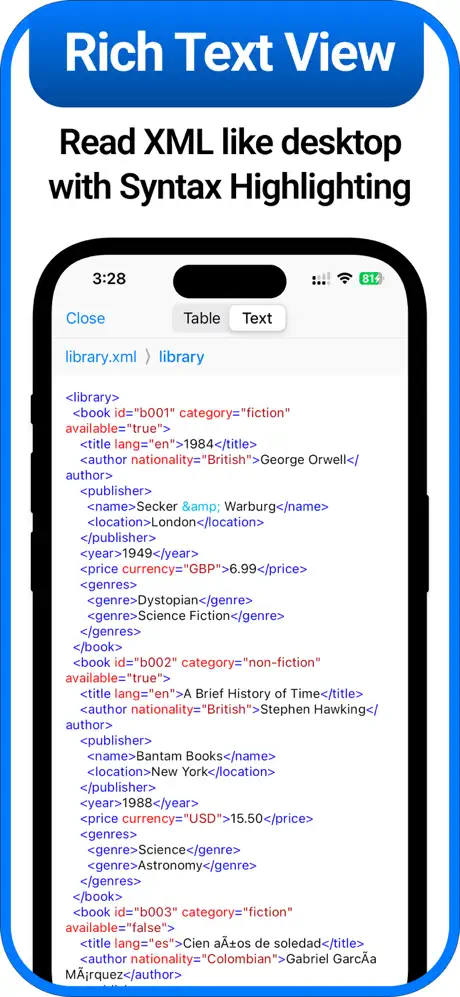
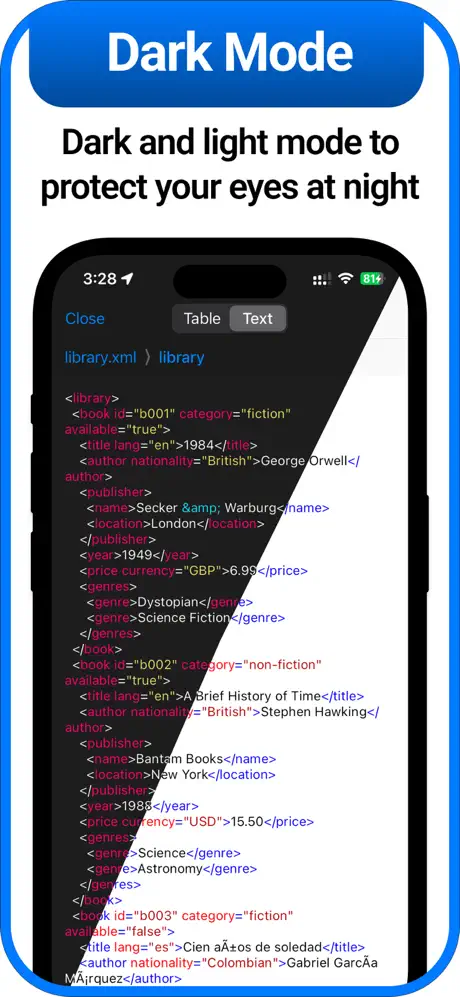
- **Syntax highlighting** — Tags, attributes and values are colour-coded so large files are easy to scan.
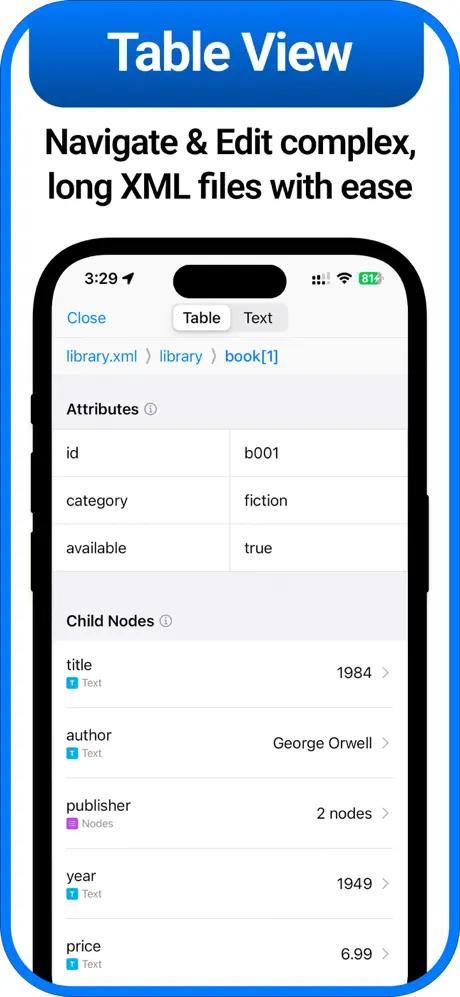
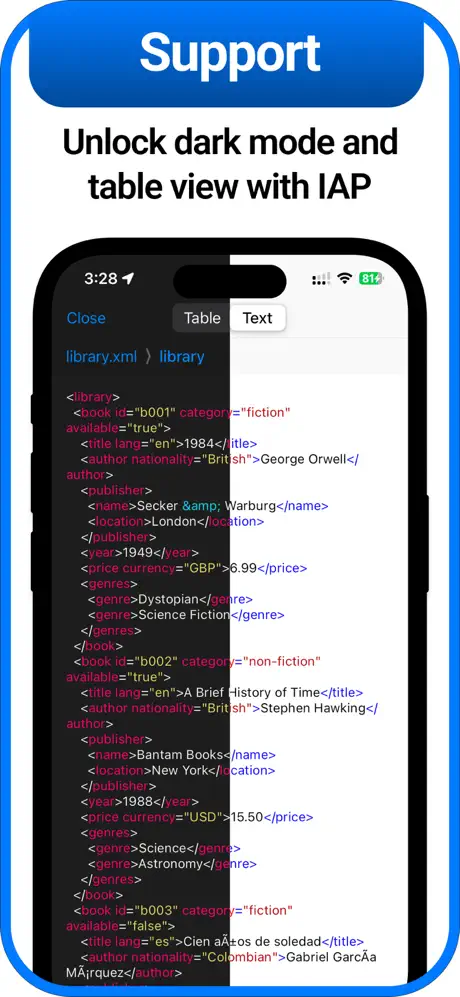
- **Table view** — Read attributes and child nodes in an intuitive table layout (requires upgrade).
- **Breadcrumbs** — Navigate deeply nested structures without losing your place.
- **Dark mode & ad-free** — Light and dark themes and a distraction-free experience with the upgrade.
## Perfect for
- IRS e-File XML & XBRL tax documents
- SEC EDGAR financial filings in XML/XBRL
- Health records (HL7, CDA) and insurance EOBs
- RSS/Atom feeds, sitemaps, API responses
- Config files (plist, SVG, GPX, KML)
## Screenshots
## How conversion works
When you convert a file, its contents are sent to our backend on Google Cloud and interpreted by Google's Vertex AI to produce the PDF or HTML output. Converted files are kept so you can revisit your conversion history, and you can ask us to delete them at any time. Because many people use the app for their own tax and financial documents, the [Privacy Policy](https://umango.in/xml-app/privacy-policy) explains exactly what is stored, for how long, and how to request deletion. AI output can contain mistakes — always check the converted document before relying on it.
The app is free with ads; an in-app upgrade removes ads and unlocks additional features, billed through the App Store.
## Legal
- [Privacy Policy](https://umango.in/xml-app/privacy-policy)
- [Terms of Service](https://umango.in/xml-app/tos)
## Support
Questions, feedback or a problem with the app? Email [support@umango.in](mailto:support@umango.in).
## Other languages
- [English](https://umango.in/xml-app)
- [简体中文](https://umango.in/xml-app/zh-hans)
- [Bahasa Indonesia](https://umango.in/xml-app/id)
- [日本語](https://umango.in/xml-app/ja)
- [Português (Brasil)](https://umango.in/xml-app/pt-br)
- [Русский](https://umango.in/xml-app/ru)
- [Español (México)](https://umango.in/xml-app/es-mx)
- [Tiếng Việt](https://umango.in/xml-app/vi)